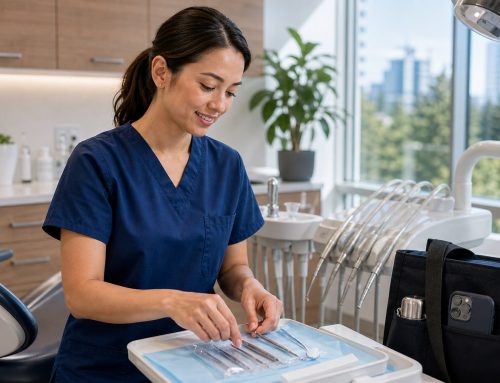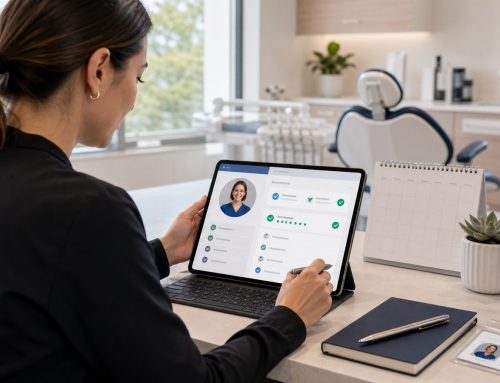

Free only in the morning? Can cover four hours, not eight? Partial Offers let you say yes to part of a shift — and help offices get partial coverage instead of none.
Short answer: A Partial Offer lets a dental professional offer to work part of a posted shift rather than the whole thing — for example, the morning only. Where the platform and the office allow it, this turns “I can’t do the full day” into useful coverage, helping pros pick up work that fits real life and helping offices fill gaps they’d otherwise lose entirely.
Real availability is rarely all-or-nothing
Life doesn’t fit neatly into eight-hour blocks. You might be free until you pick up your kids, available after a morning class, or able to cover half a day around another commitment. Forcing every shift into a take-it-or-leave-it choice means good coverage gets left on the table on both sides.
How a Partial Offer works
When the option is available on a posted shift, you can offer to work a portion of it instead of the full hours. The office reviews your Partial Offer alongside other responses and decides whether partial coverage works for their schedule. It’s a normal offer — it still goes through review and confirmation — it just reflects the hours you can actually work.
Why offices often welcome partial coverage
Half a day of skilled hygiene coverage is far better than an empty chair all day. For an office facing a same-day gap, a Partial Offer can mean seeing the morning’s patients on schedule instead of cancelling them. Partial coverage keeps production moving and patients cared for.
What a Partial Offer doesn’t do
A Partial Offer expresses your availability — it isn’t an automatic booking. The office still reviews and confirms, and Partial Offers are available only where the platform and the specific shift support them. As with any shift, confirm the details before you commit.
Frequently asked questions
It’s an offer to work part of a posted shift rather than the full hours — for example, just the morning. The office reviews it like any other offer and decides whether partial coverage fits their needs.
No. It expresses your availability, but the office still reviews and confirms. Partial Offers are also available only where the platform and the specific shift support them.
Because half a day of skilled coverage is far better than an empty chair. Partial coverage lets offices keep patients on schedule and protect production when a full-day fill isn’t available.
Make your real availability work for you
Log in to see open shifts and the offer options available to you.
Open TempStars